| |
|
 |
FOR THE PRO
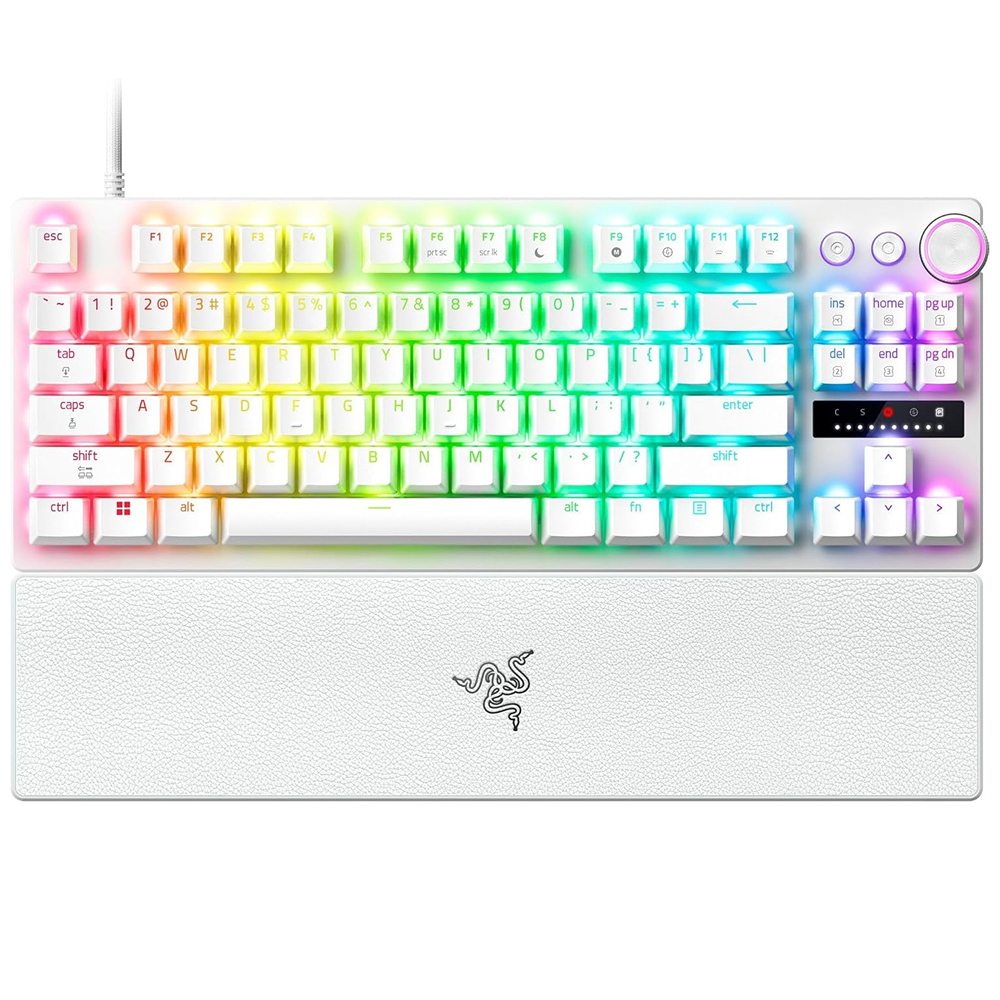
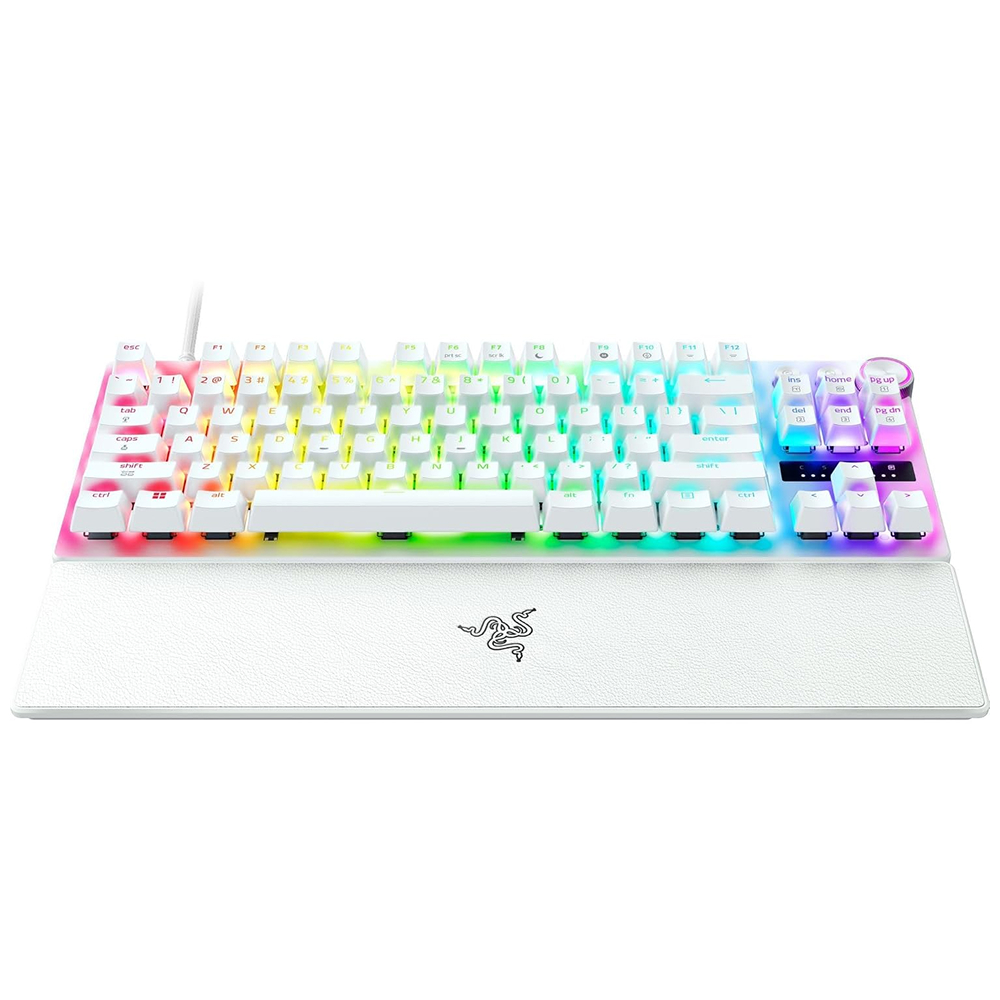
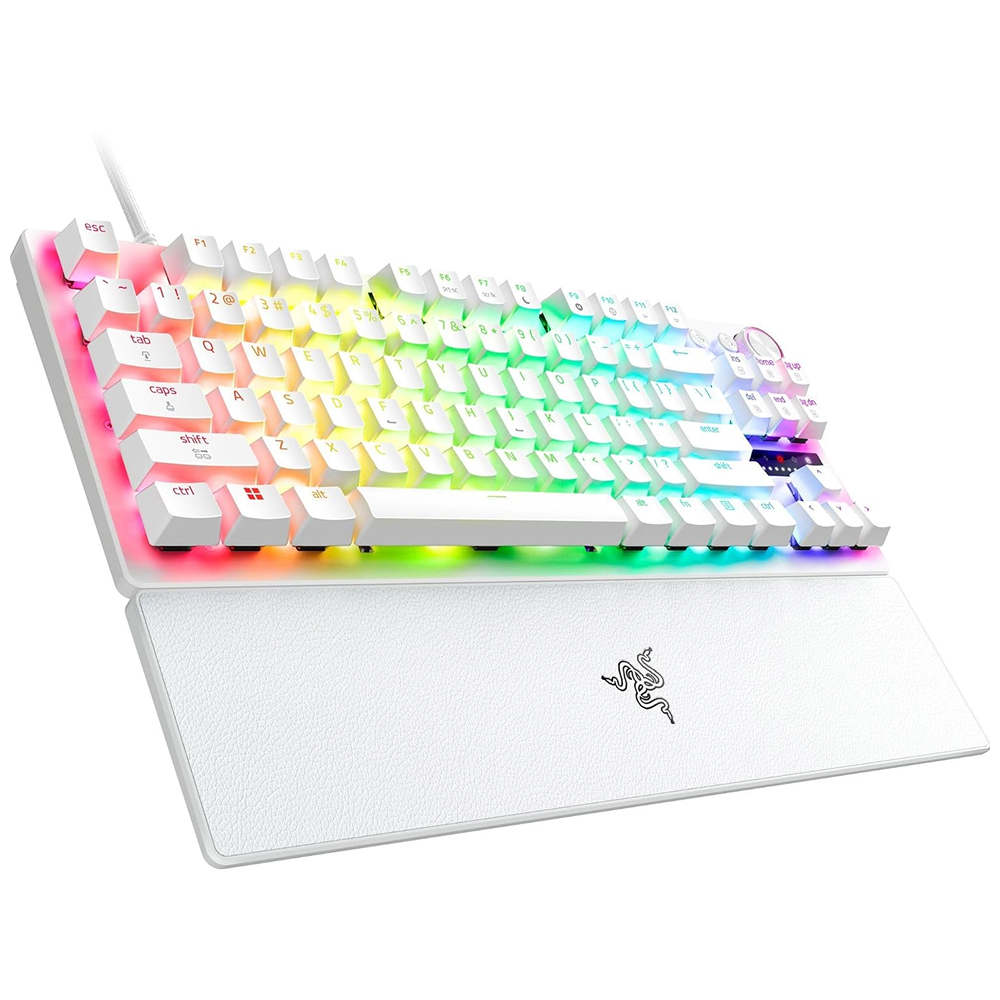
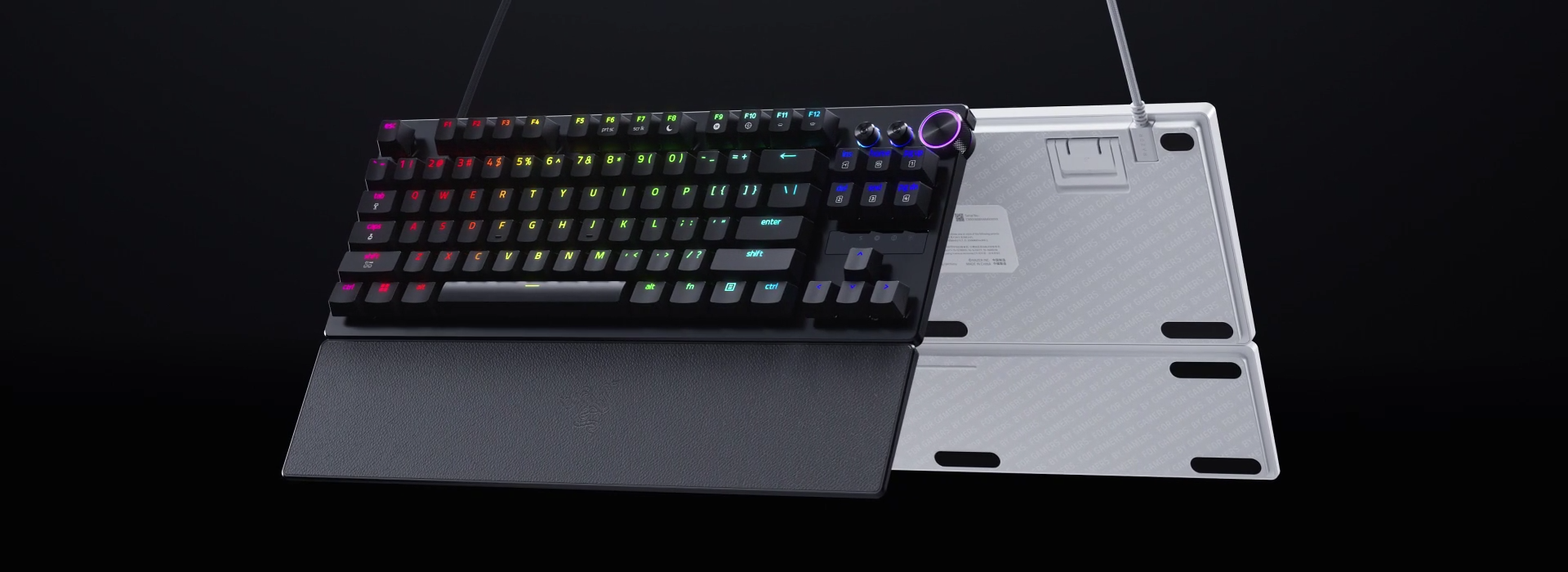
Blitz through the competition with our fastest, most responsive analog optical keyboard—designed with and made for pros. Supercharged with 8000 Hz HyperPolling, Razer™ Snap Tap, Rapid Trigger Mode, and adjustable actuation, play like the world’s best with hardware that meets their highest demands.
|
 |
TRUE 8000 HZ HYPERPOLLING
Near-zero latency
Gain a split-second advantage over your opponents with a blistering polling rate 8 times faster than the industry standard. Experience the fastest response and pull off every play without delay with this ultra-fast gaming keyboard.
|
|
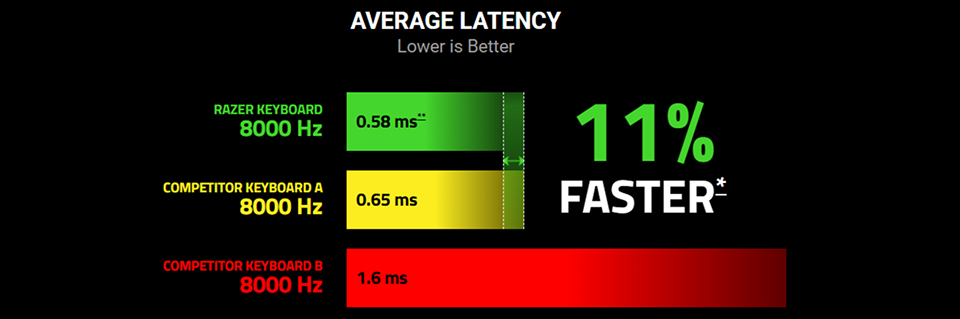
Tested and proven, Razer Analog Optical Switches Gen-2 combined with true 8000 Hz HyperPolling Technology is 11% faster* than the nearest competitor, achieving a mere 0.58 ms latency for near-instantaneous responsiveness.
*Testing was done across 20 measurements with all keyboards set to 0.1 mm actuation and 8000 Hz polling rate. Percentage is rounded to the nearest whole number.
**Latency is measured from the moment of actuation of the switch to the signal being received at the USB port on the host device. End-to-end latency might defer depending on test setup and devices used.
|
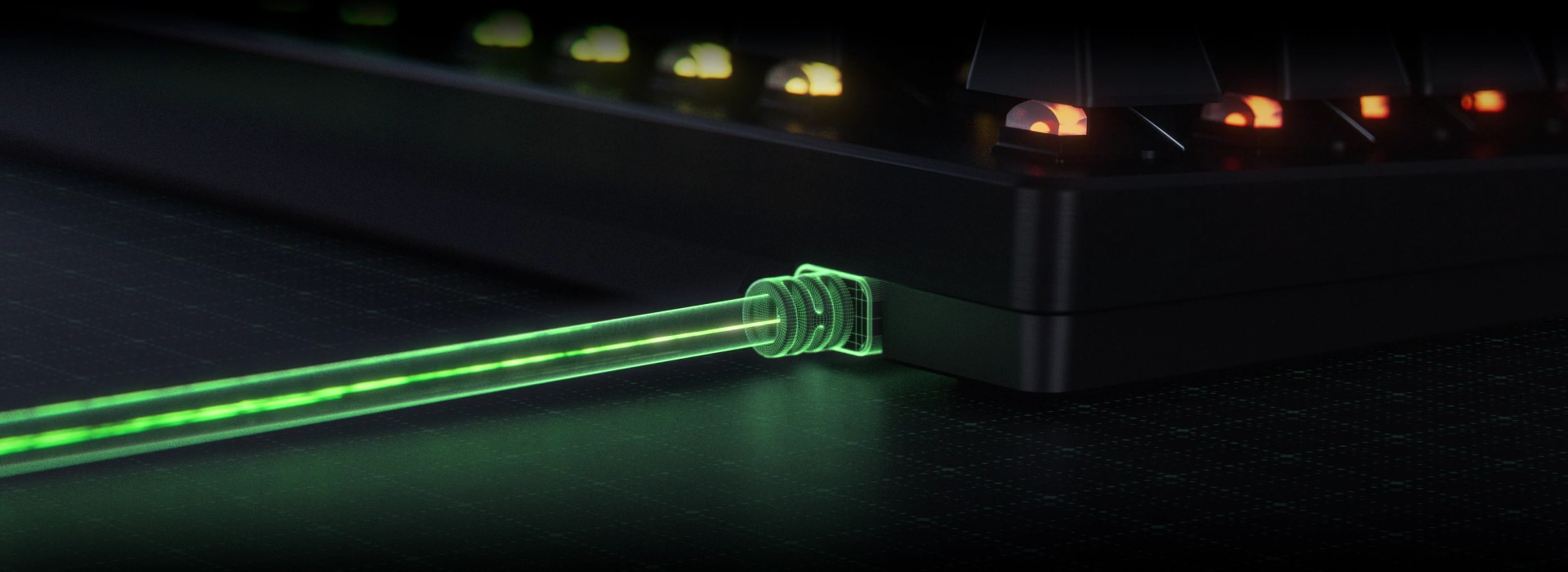 |
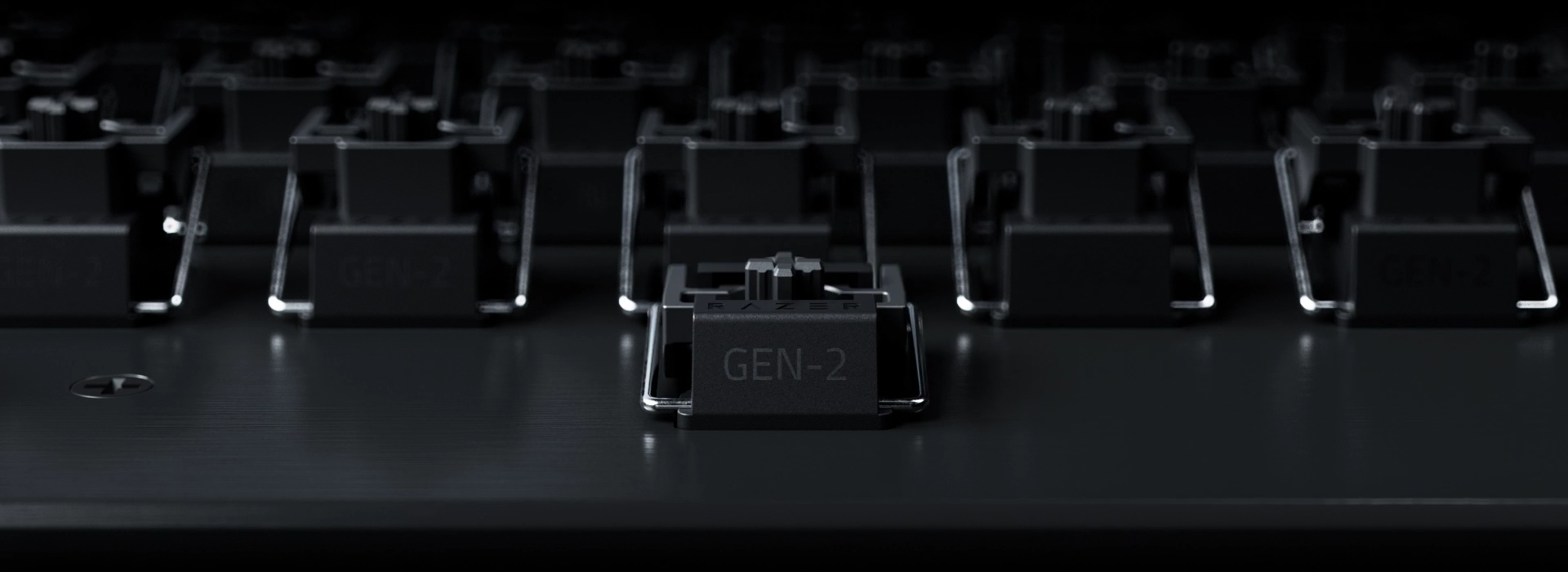
RAZER™ ANALOG OPTICAL SWITCHES GEN‑2
Rapid Trigger and Adjustable Actuation
Max out on precision and response with next-gen switches featuring Rapid Trigger for ultra-fast repeated inputs, a 0.1–4.0 mm adjustable actuation range, and a 100-million keystroke lifespan.
|
 |
RAPID TRIGGER MODE
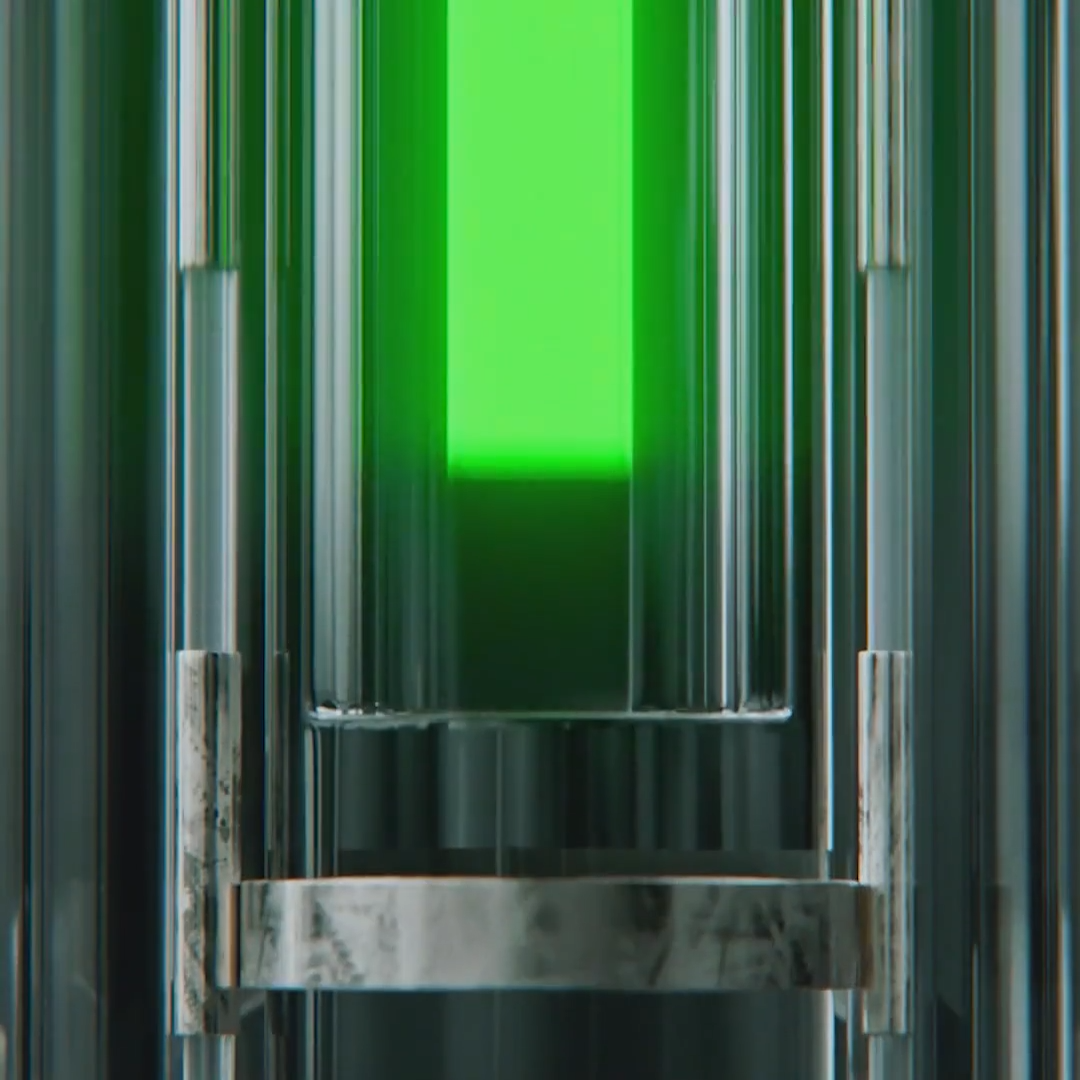
Instead of a fixed reset point, keys reset instantly with an upward motion as low as 0.1 mm. This allows for faster repeated keystrokes compared to standard keyboards, which significantly enhances in-game responsiveness. |
 |
Razer™ Snap Tap
Prioritize the latest input between two selected keys without having to release the previous one. Enjoy more responsive inputs for near-instant directional changes. Snap Tap is OFF by default and can be toggled ON/OFF via Razer Synapse or using the hotkey FN + Left Shift. |
 |
ADJUSTABLE ACTUATION
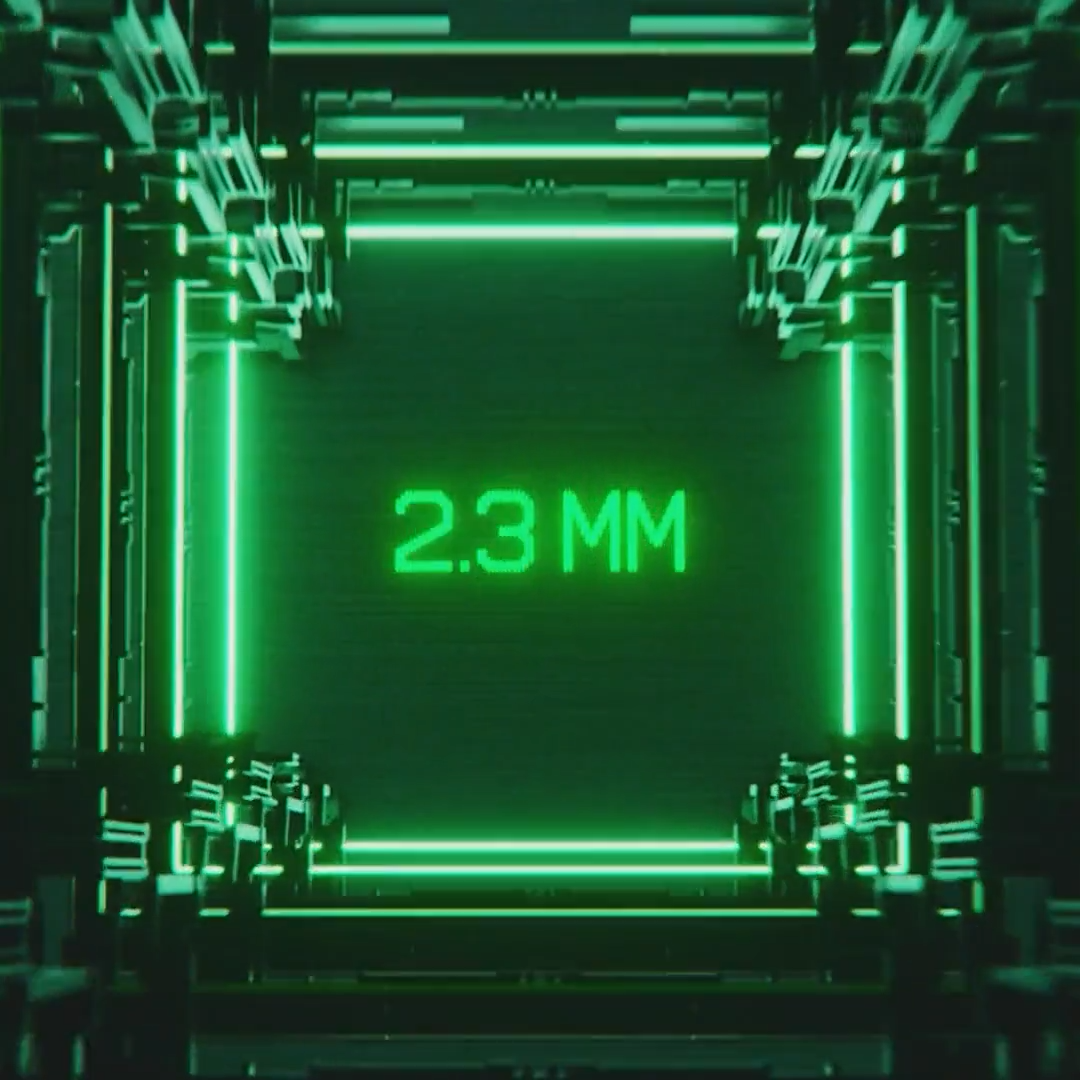
Supporting a full range of actuation from 0.1 to 4.0 mm, customize the switches to be as sensitive as you want and achieve a setting that best suits your playstyle. |
 |
40 G ACTUATION FORCE
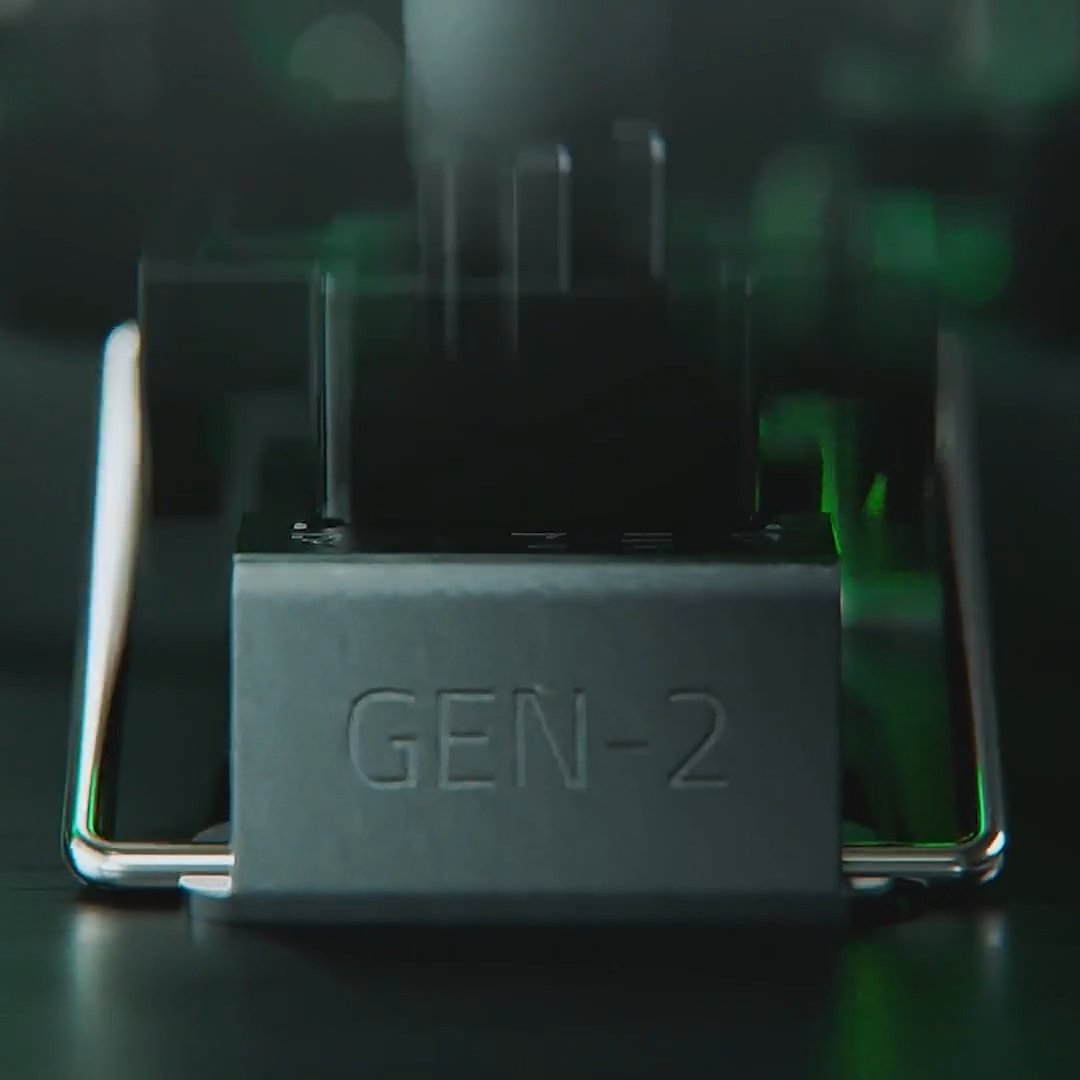
Enjoy greater response with a lighter actuation force that lets you play and react quicker than ever before. From counter-strafing to aiming to dodging, gain a split-second advantage you need to come out on top in every exchange. |
 |
|
Actuation Point Precision & Accuracy
Calibrated right out of the factory to the highest standards, Razer Analog Optical Switches Gen-2 are precisely engineered for best-in-class top deadzone management, performing approximately 2.5x better* than the closest competitor, achieving true 0.1 mm precision.
* Testing was done across 20 measurements for all keyboards, set to 0.1 mm actuation and on the same key for consistent results.
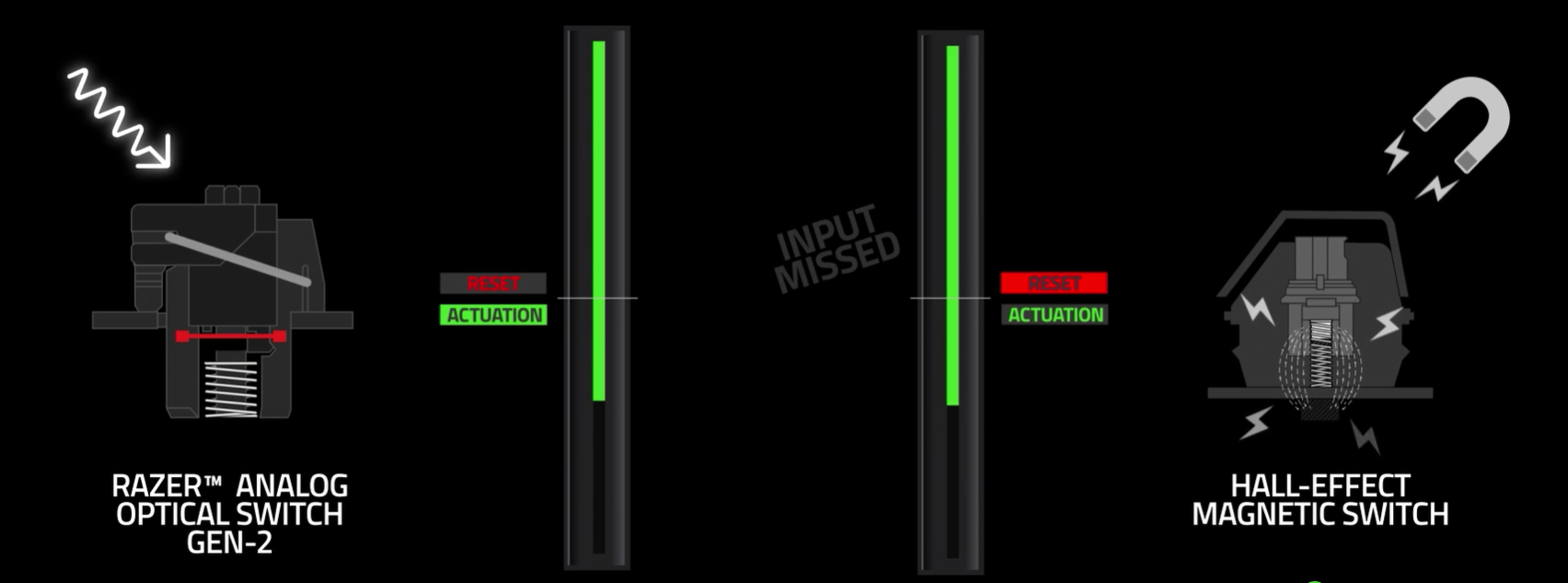
Within the secure chassis of the Huntsman V3 Pro, Razer Analog Optical Switches Gen-2 are fully shielded from external light and resistant to metallic and magnetic interference*—ensuring precise, consistent performance across the entire 0.1 to 4.0 mm travel range.
|
 |
|
* Testing was done in an enclosed studio environment with the use of magnet-embedded objects in close proximity with the keyboards positioned 10 cm away and moved nearer in 1 cm increments
|
|
QUICK ONBOARD ADJUSTMENTS
Via an LED Array Indicator
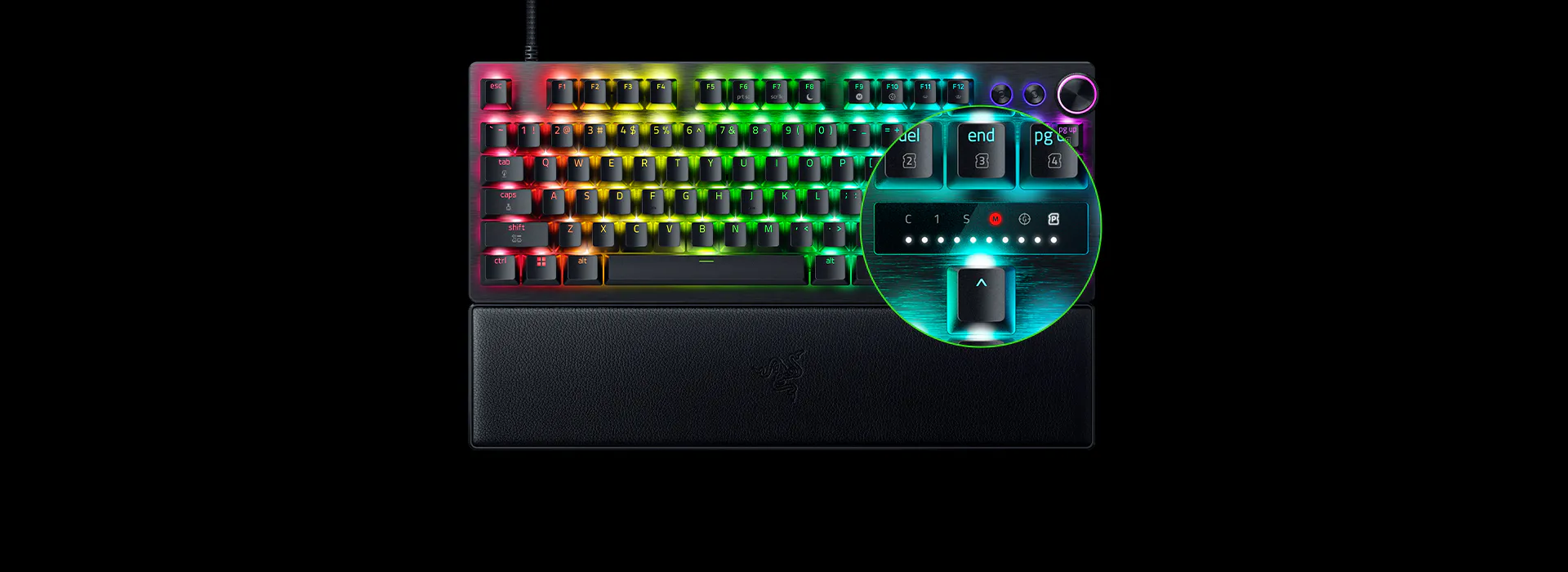
Make precise, on-the-fly adjustments to actuation height or Rapid Trigger sensitivity with the visual aid of an onboard LED array. Save the settings to the keyboard with no software required.
|
 |
|
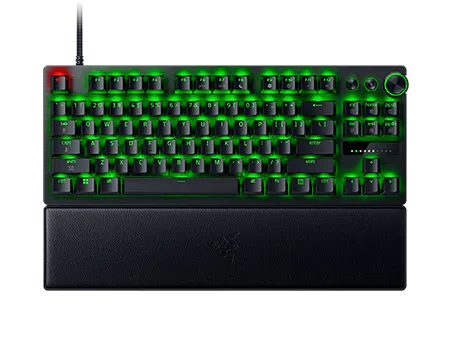
QUICK ACTUATION ADJUSTMENT MODE
Simply hit FN + Tab to begin adjusting the keyboard’s actuation point. Next, press any key to test its actuation height and use the digital dial or arrow keys to adjust accordingly. Press Esc to exit the mode and save your settings to the onboard memory.
|
 |
|
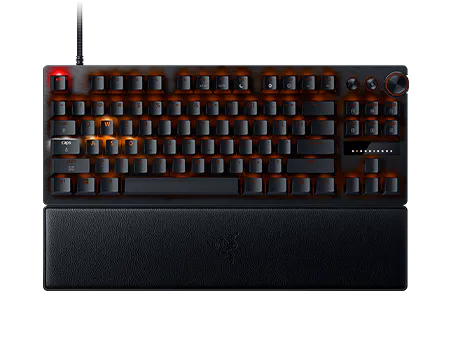
QUICK RAPID TRIGGER ADJUSTMENT MODE
Simply hit FN + Caps Lock to begin adjusting Rapid Trigger settings and press Caps Lk to toggle Rapid Trigger Mode on or off. Next, press any key to test your current Rapid Trigger settings and use the digital dial or arrow keys to adjust accordingly. Press Esc to exit the mode and save your settings to the onboard memory.
|
 |
|
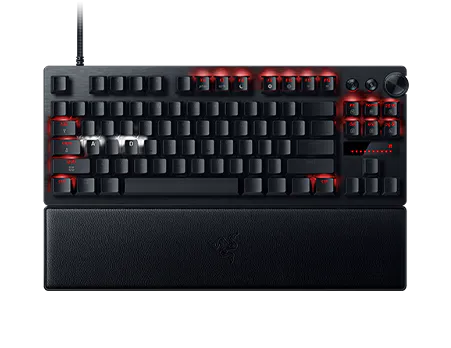
QUICK SNAP TAP ADJUSTMENT MODE
Simply hit FN + Left Shift to immediately toggle Snap Tap. The A and D keys are paired to this mode by default. Paired keys will light up white when Snap Tap is on and light up red when Snap Tap is off.
|
 |
|
OPTIMIZED KEYSTROKE FEEL
Thick Foam Dampening and Lubricated Switches
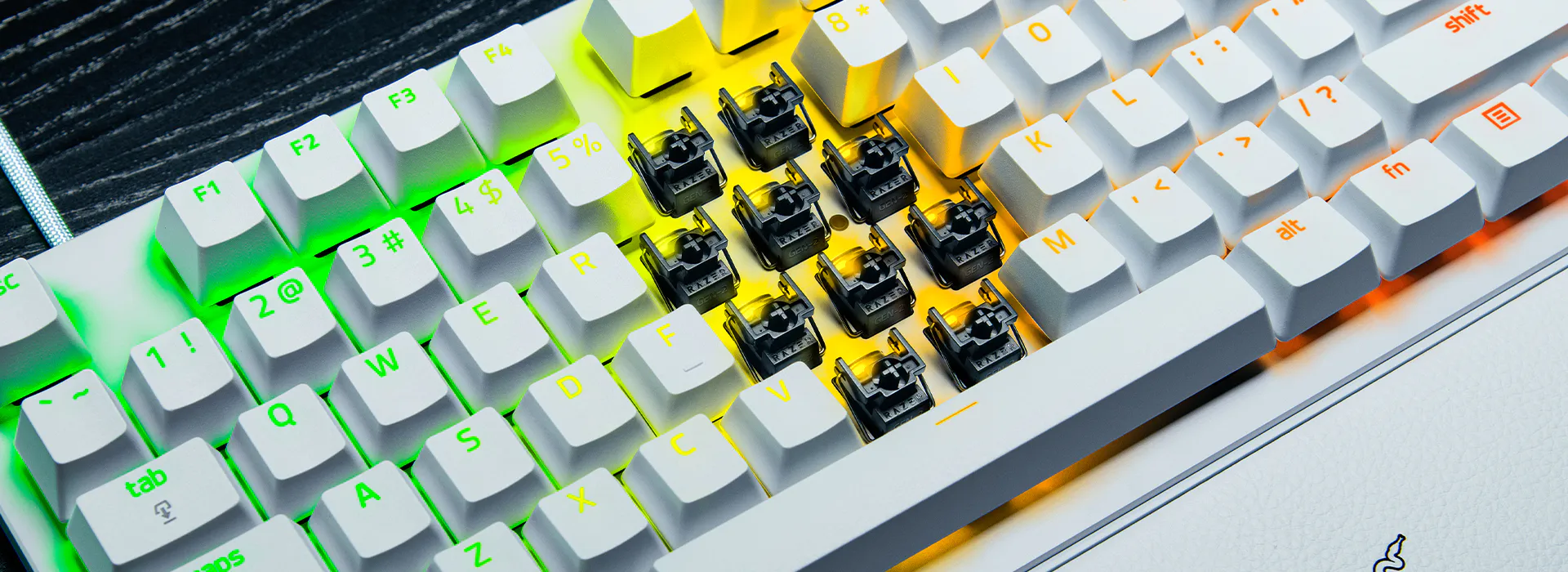
Individually lubricated to ensure extra-smooth actuation, each switch is seated in a dense foam layer to ensure a clean, muted typing acoustic that keeps you in your flow state.
|
 |
MULTI-FUNCTION DIGITAL DIAL & DEDICATED CONTROL BUTTONS
Convenient Control
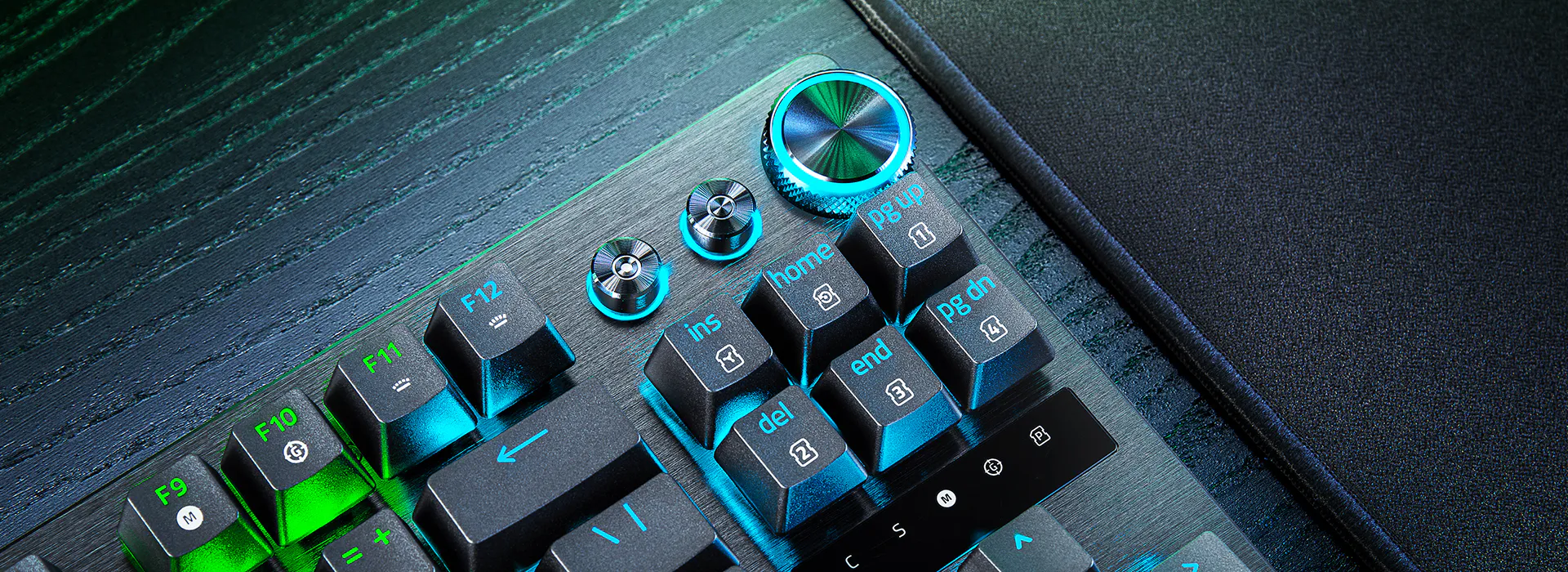
Manage it all right at your fingertips with a dedicated dial for volume and analog switch settings, backed by a pair of buttons for media control and custom macros.
|
| |
 Suomi
Suomi
 Latviešu
 Русский
 English
 Eesti
Eesti
 Lietuvos